
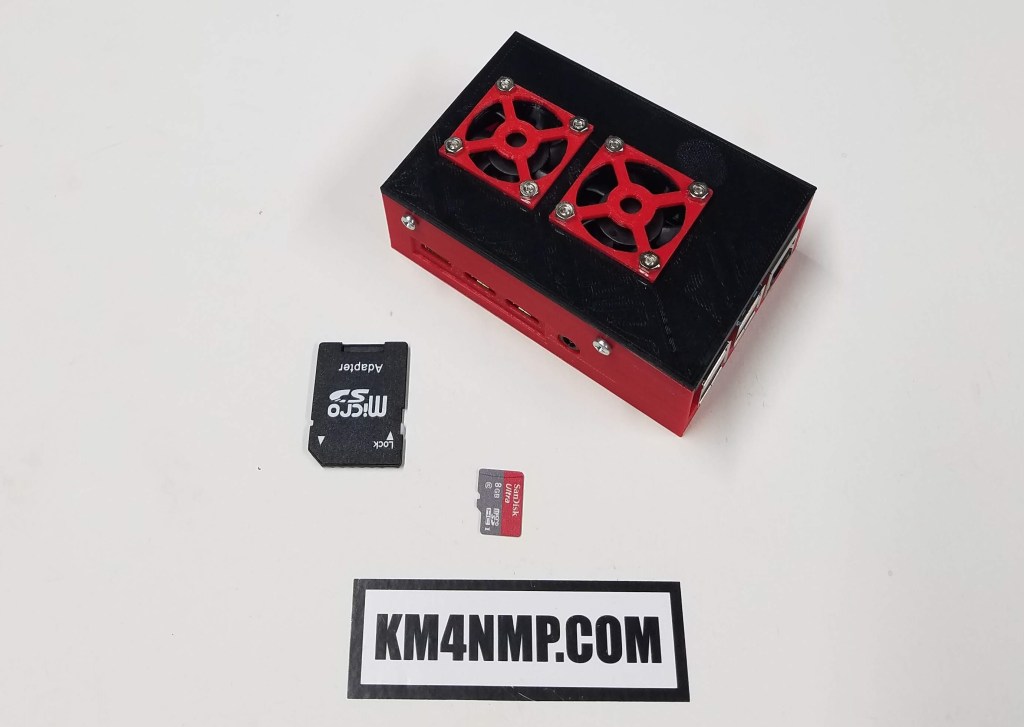
When you get your Raspberry Pi setup and working, it is a good idea to make a backup of the SD card. The easiest way to do this is to make an image of the card. When you make an image of a disk it copies it exactly and when needed, can be reloaded. After the image is reloaded, the SD card will match the original image.
The software I use to make images is Win32 Disk Imager. It is easy to use and free to download. After downloading and installing, open the program.

First click the File icon. It is highlighted with a red square in the picture.

Select the folder you want to save your disk image to. In the File Name box type what you want to name your image. Once you have filled in the box click open.

Click the Read Button.

This process can take a while. The amount of time depends on the size of the SD card and the speed of the computer running the program.
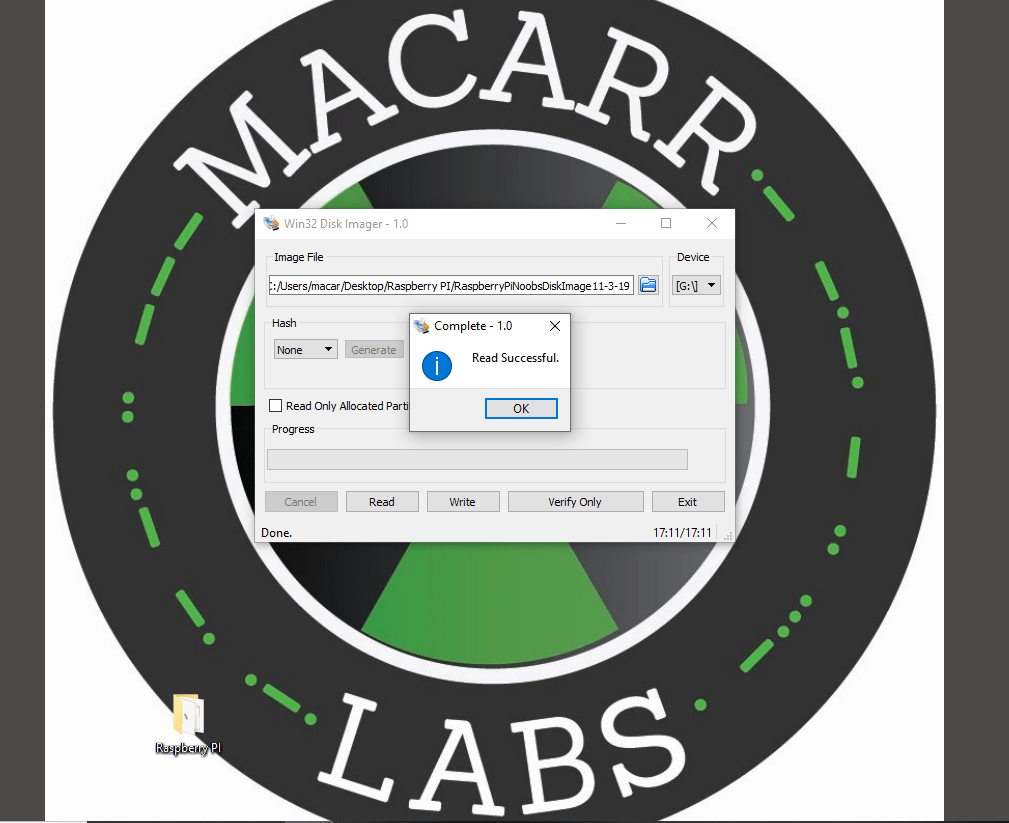
Once the process is done, the program will prompt you. At this point you have a good backup image. If your SD card ever gets corrupted or you simply want to refresh your Raspberry Pi, reload the image.

Links
The Raspberry Pi 4
Loading Raspbian on the New Raspberry Pi 4 B
https://sourceforge.net/projects/win32diskimager/
Latest Posts
- 2:1 Balun For 2m/6m
- 1:1 Choke For 2m and 6m
- 2m Delta Loop Ver 2
- 2m Delta Loop
- Finishing The 6m Delta Loop With 2:1 Balun

 KM4NMP
9 thoughts on “Backing up the Raspberry Pi SD card.”